
An Elementor store locator in an HTML widget.
If you build pages in Elementor, the locator goes in the same way anything else does: drag an HTML widget where it belongs and paste the embed.
Designed to match your Elementor site.
Style it yourself, or send us your site and we match it for you, free on every paid plan.
- 7-day free trial
- No coding needed
- Free brand matching
- From $19/month
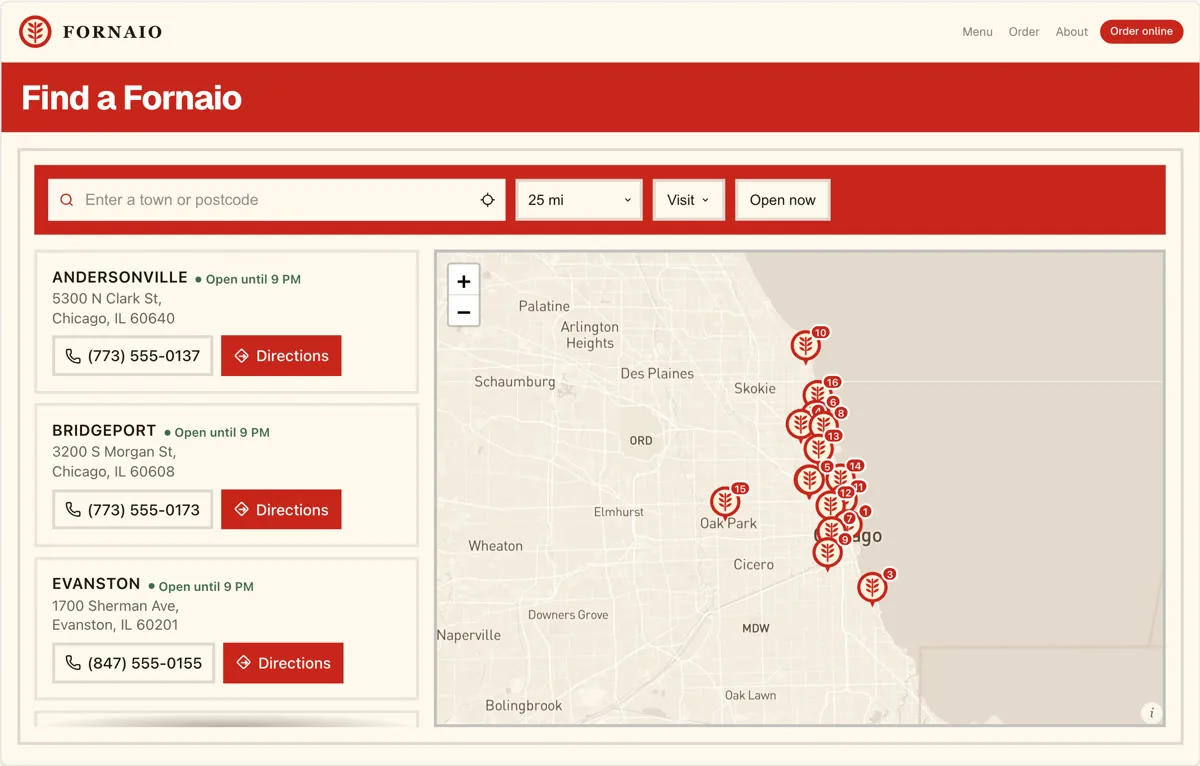
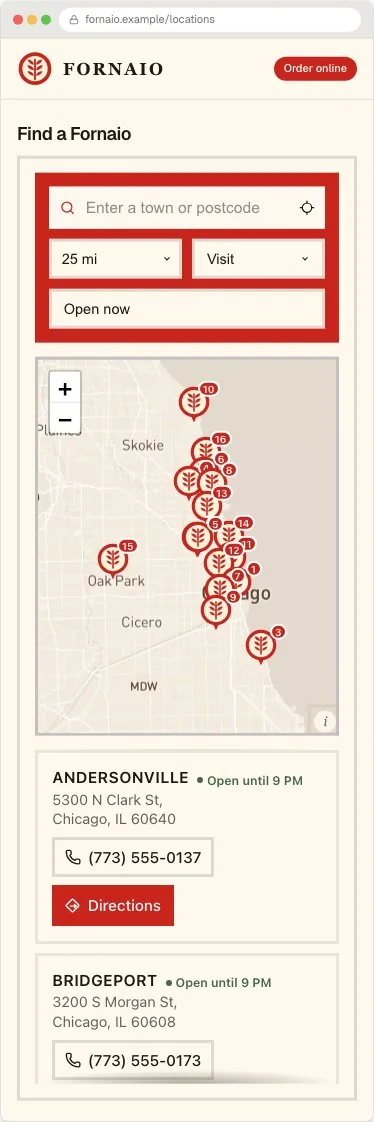
A real locator capture. This version suits a multi-location business already building its site in Elementor and wanting the locator on an existing page rather than a plugin's own template. Open the full-size example to search it. Fornaio is an invented concept brand using sample data.
Built around the search
A Elementor store locator built around what a visitor is trying to do.
Distance is rarely the only question. Give someone enough to choose a useful location before they leave the page.
- 01
It lives where you put it.
No plugin template and no shortcode hunting. The locator renders exactly where the HTML widget sits in your layout.
- 02
No extra WordPress plugin.
The locator is hosted, so there is nothing to keep updated, nothing to conflict with your other plugins, and no PHP involved.
- 03
Filters your visitors understand.
Categories become customer-facing filters, so a visitor narrows by service or range rather than scrolling a long list.
Search and discovery
A visitor finds the nearest useful location without scanning the whole list.
The locator opens, the visitor types a town or postcode, and results reorder by distance. Search, filters, labels and layout are settings you control, not fixed behaviour.
Start with the spreadsheet you already maintain. Import a CSV, review the locations, then keep the same embed as the list changes.
North Loop Cycles
1.2 mi · Open until 6:00
Eastside Bike Works
2.8 mi · Open until 7:00
Hill Country Service
4.6 mi · Opens tomorrow
Search stage: Austin locations are filtered to repair shops, sorted by distance, and the nearest result offers directions.
Install on Elementor
Add the Elementor store locator once.
Handled is a hosted widget rather than a Elementor-specific extension. Copy the generated embed from the dashboard and place it where the locator should appear.
HTML widget
<div id="biz-locator-root"></div>
<script src="https://cdn.handledlocal.com/widget.js"
  data-site-id="your-site-id" async></script>
Three steps to publish
- 1Edit the page in Elementor and drag an HTML widget where the locator should appear.
- 2Paste the embed code into the widget's content field.
- 3Update the page, then open the public URL. The editor preview does not run the script.
Claude and ChatGPT
Set it up by describing what you want.
Handled Locator runs an MCP server, so an AI assistant can operate it directly. Paste a list of addresses and they are geocoded and added, describe a design and the widget restyles, then ask for the embed code to paste here. Configuration changes are shown as a before-and-after first and only go live once you agree. Included on every plan, including the trial.
The practical questions
What changes after the trial?
Keep the design, locations and embed. Choose a plan based on location count and team seats. Your map usage remains on the Mapbox or Google account you control.
Compare plans- Starter
- $19/mo
- 200 locations
2 team seats
Every working feature - Pro
- $39/mo
- 2,000 locations
5 team seats
Every working feature - Business
- $79/mo
- 10,000 locations
20 team seats
Every working feature
Before you choose
Questions buyers ask about this setup.
- Do I need a plugin or an app for Elementor?
- No. Handled is a hosted locator you embed in a page. There is nothing to install into Elementor, nothing to keep updated, and nothing that can conflict with the rest of your site.
- Will my Elementor styles break the locator?
- No. The widget renders in an isolated root so page CSS and widget CSS cannot collide in either direction. You set its colours, type, spacing and corners in Handled so it still matches the surrounding page builder.
- Can visitors filter as well as search?
- Yes. Categories on your locations become customer-facing filters, alongside search by town or postcode and sorting by distance.
- Who pays for the map traffic?
- You connect your own Mapbox or Google Maps key and that provider bills usage directly. The Handled subscription covers the locator, location capacity and team seats.
Turn your location list into a Elementor store locator.
Start from the design above, import a sample of your real locations, and see it on your own page before paying.
7-day trial · No card required · Keep the same embed when you publish
Using a different platform?
The same locator, with the install steps for each.