Before you install
Make the locations visible in Handled, finish the design and connect the selected map-provider key. Copy the full account-specific snippet from Embed & Install.
Shape of the embed
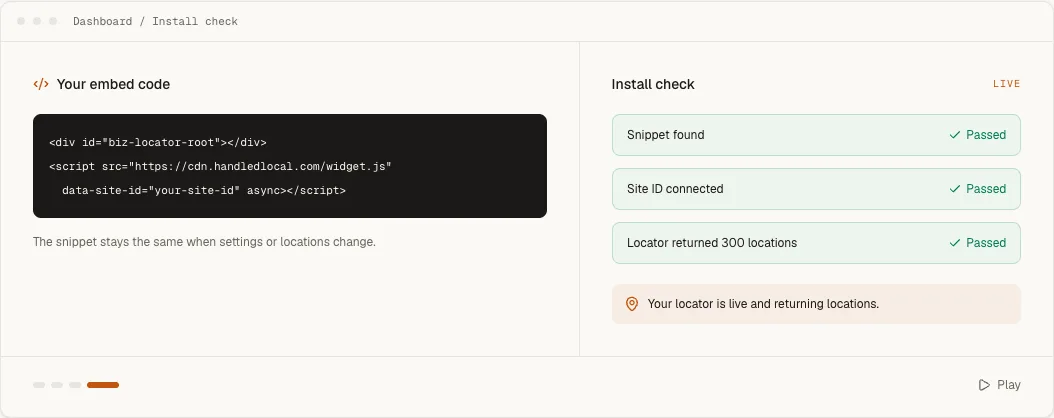
<div id="biz-locator-root"></div>
<script src="https://cdn.handledlocal.com/widget.js"
data-site-id="your-site-id" async></script>Add the Code Block
- 1
Edit the locations page
Open the page editor and choose the section where visitors should search. - 2
Add a Code Block
Insert a Code Block, choose HTML when Squarespace asks for a mode, and paste the complete Handled snippet. - 3
Save the page
Apply the block changes, save the page and open its public URL outside the editor.
Publish and verify
Run Check installation in Handled using the public Squarespace URL. Confirm that results load, the map renders and the locator uses the expected width at both desktop and phone sizes.
If the script does not run
Do not judge the installation only from the page editor. Squarespace can suppress third-party scripts while editing. Check the published page in a new tab first. If the public page is also blank, reopen the Code Block and confirm that both the root <div> and <script> tag survived saving.